
Drag or upload image
Support jpg, jpeg, png, webp, up to 16MB
Free AI Headshot Generator
Explore new styles and professional looks effortlessly — AI makes your next perfect headshot in seconds.
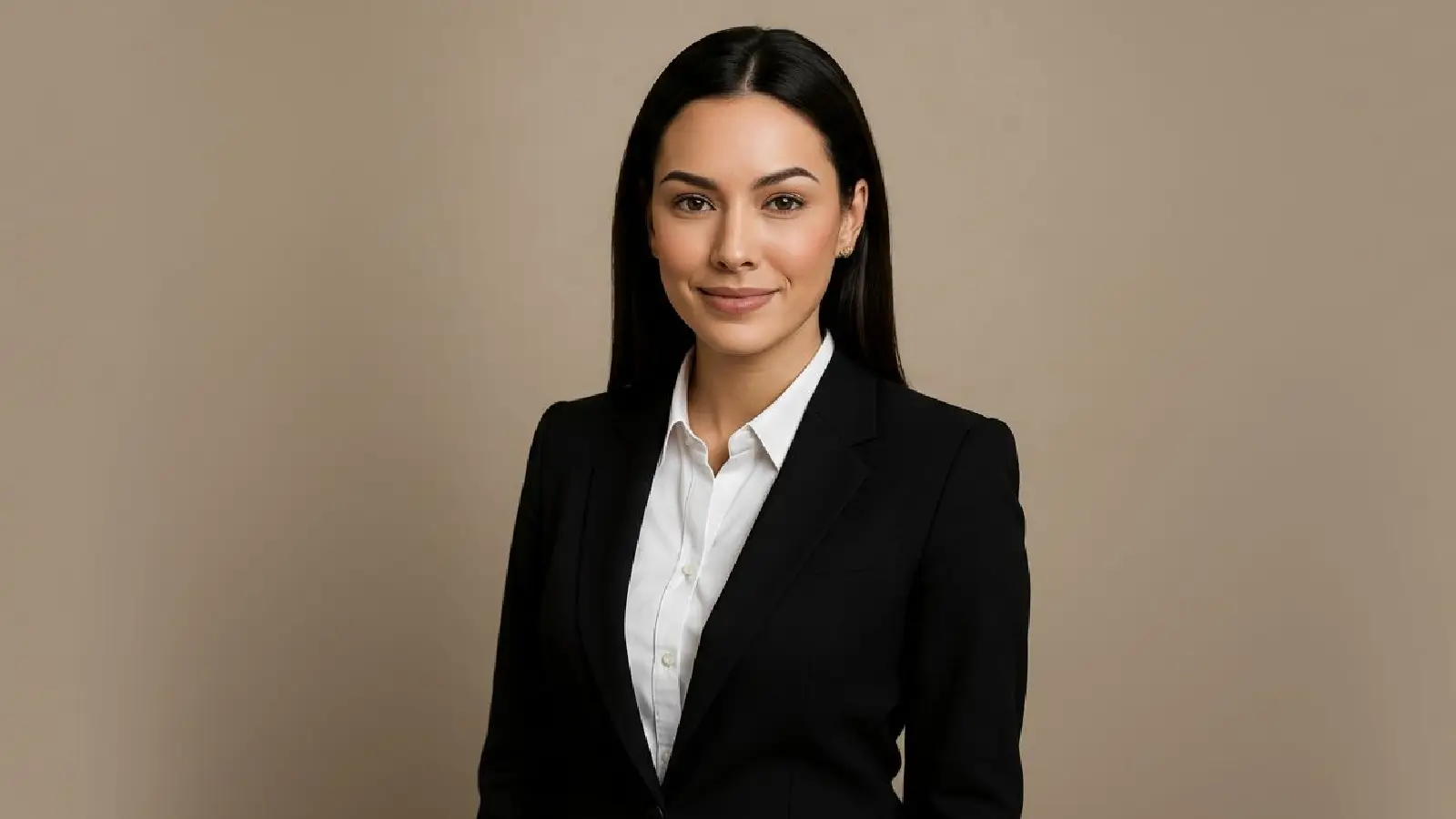

Create studio-ready headshots in seconds
AI Headshot Generator helps you turn everyday photos into polished, professional portraits for LinkedIn, resumes, and social profiles.
Try AI Headshot Generator NowWhat is AI Headshot Generator?
AI Headshot Generator is an online tool that transforms your photos into realistic, professional-looking headshots. It improves lighting, background consistency, and portrait quality automatically, with no editing skills required.
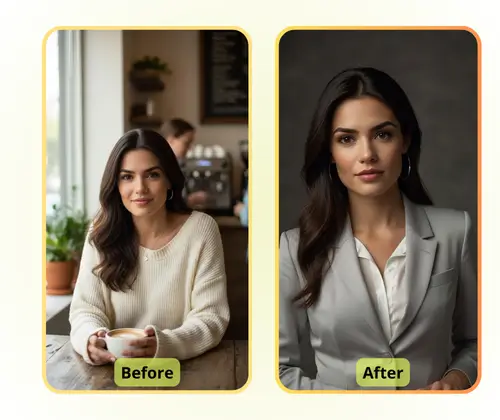
Why Choose AI Headshot Generator?
Create professional AI headshots instantly while keeping your workflow simple. Choose from multiple styles and generate polished portraits in moments.
What Can You Use It For?
AI Headshot Generator works across career, branding, and team scenarios.
Professional Profiles and Job Applications
Create polished portraits for LinkedIn, resumes, and job platforms to make a stronger first impression.
Social Media and Content Creation
Generate consistent, high-quality profile photos for Twitter, Instagram, YouTube, and personal websites.
Corporate Websites and Team Pages
Produce uniform team headshots quickly for company websites, internal directories, and marketing assets.
How to Use AI Headshot Generator in 3 Steps
Upload, select style, and download your new portrait.
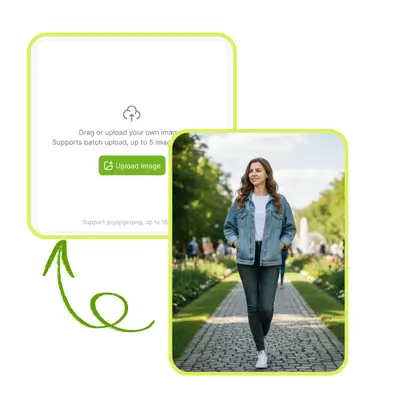
Upload your photo
Use a clear photo with your face visible and decent lighting for the best output.
Select or describe your style
Pick a preset style like Professional or Business, and adjust gender direction when needed.
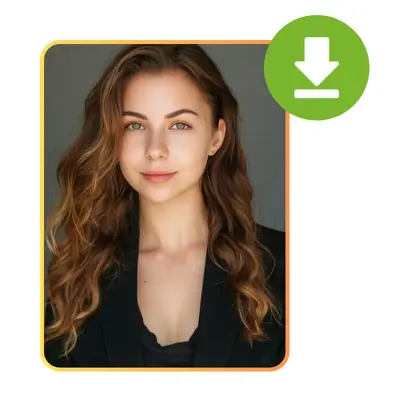
Generate and download
In seconds, you get a realistic headshot ready for profiles, resumes, and portfolio use.
Create your professional AI headshot fast
Upload a photo, choose a style, and get a polished portrait right away.
Generate Your Headshot NowFrequently Asked Questions
Do I need to sign up to use AI Headshot Generator?
You can upload an image and generate quickly from the page flow, without complex setup.
Can I choose different styles for my headshots?
Yes. You can switch between preset styles such as Professional, Business, Sophisticated, and Sepia.
How long does generation take?
Most generations finish in a few seconds, depending on queue and model response time.
What kind of photo works best?
Use a clear portrait with visible face and stable lighting to get the most realistic headshot.