Drag or upload one image
Support jpg, jpeg, png, webp, up to 30MB
Example: remove the background and place the product on a clean white studio backdrop with soft shadow
Free AI Image Editor
Upload one image, describe the change, and edit freely in one flow.
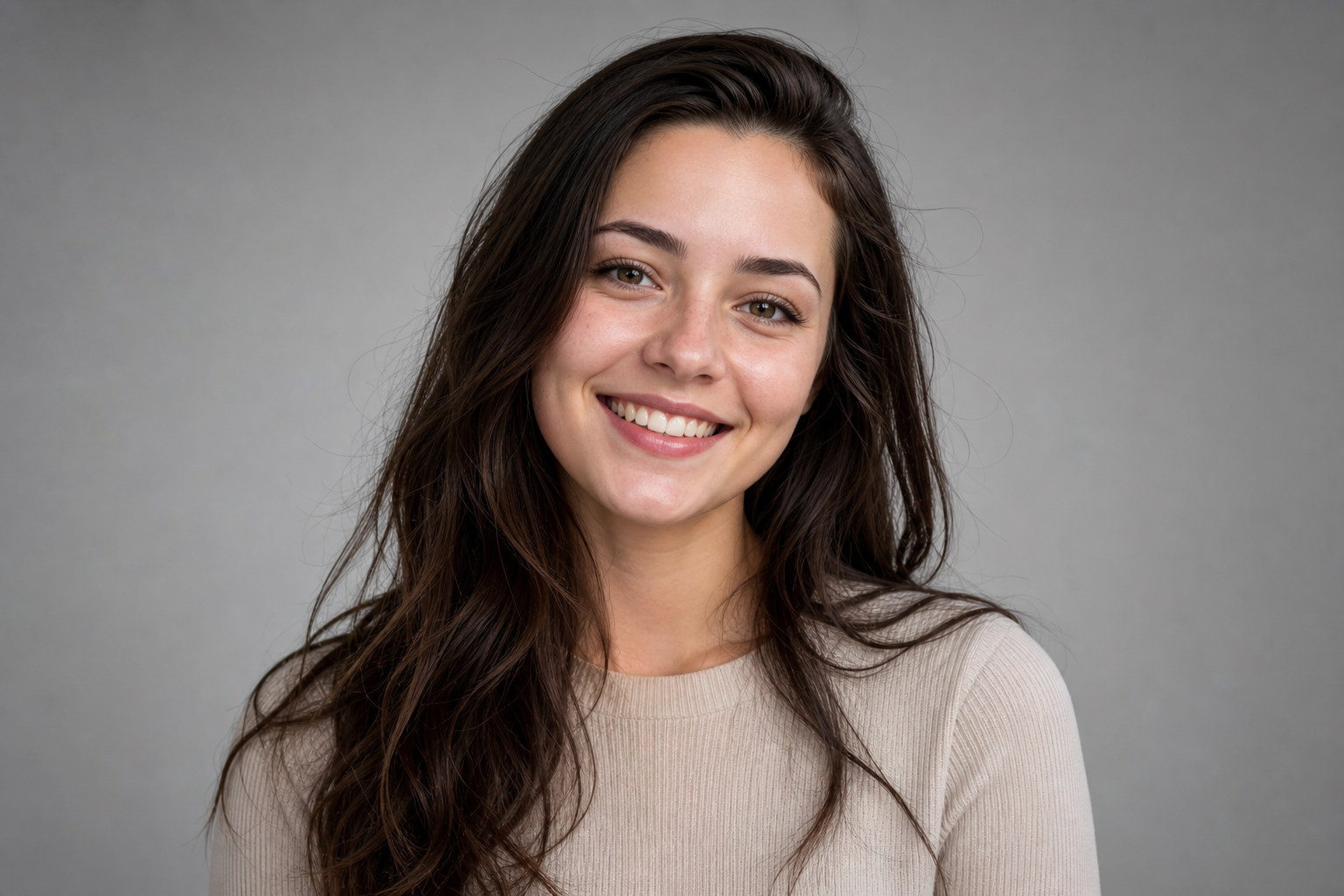
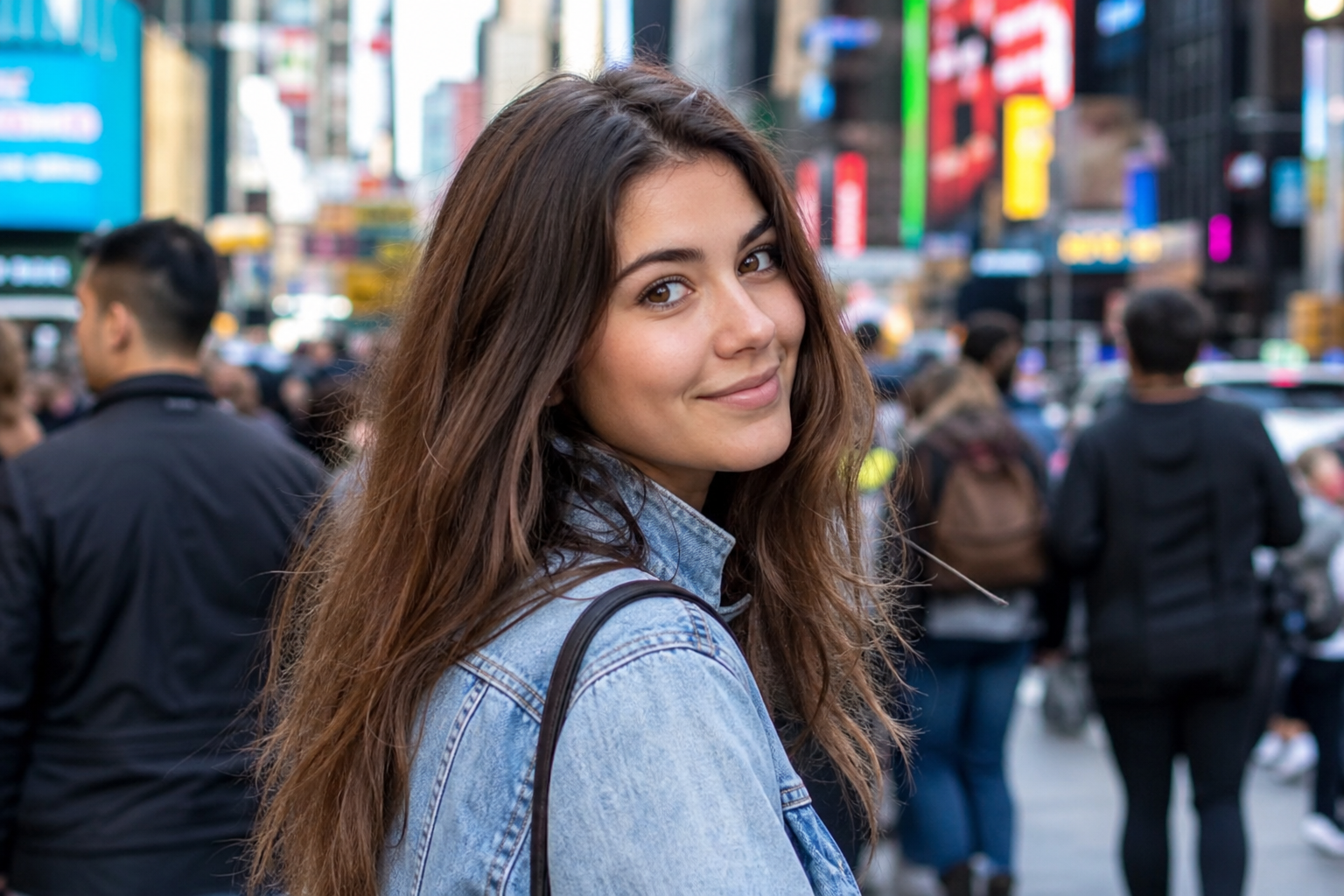
Free AI Image Editor for flexible online photo edits
Use one flexible editor instead of switching between isolated tools. Upload a photo, describe the change you want, and let AI handle cleanup, background replacement, color edits, and style changes in one workflow.
Open AI Image Editor
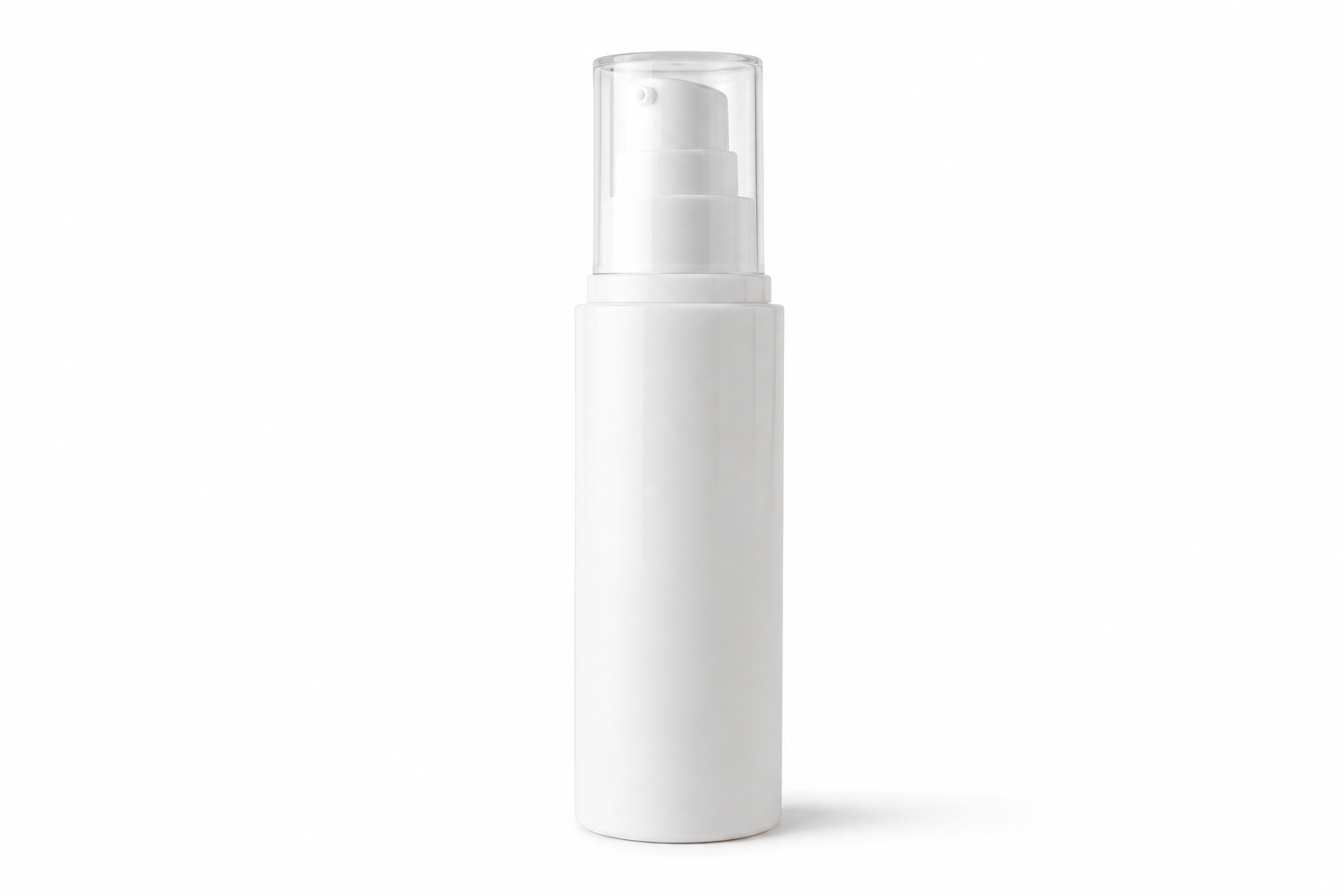
What is an AI Image Editor?
An AI image editor lets you edit a photo with natural language. Instead of using a separate page for every task, you can ask for multiple changes in one prompt and get a new result quickly.
Why choose this AI Image Editor?
This tool is designed for users who want more freedom than a single-purpose utility. It works well for product photos, portraits, simple design tasks, and quick content edits.
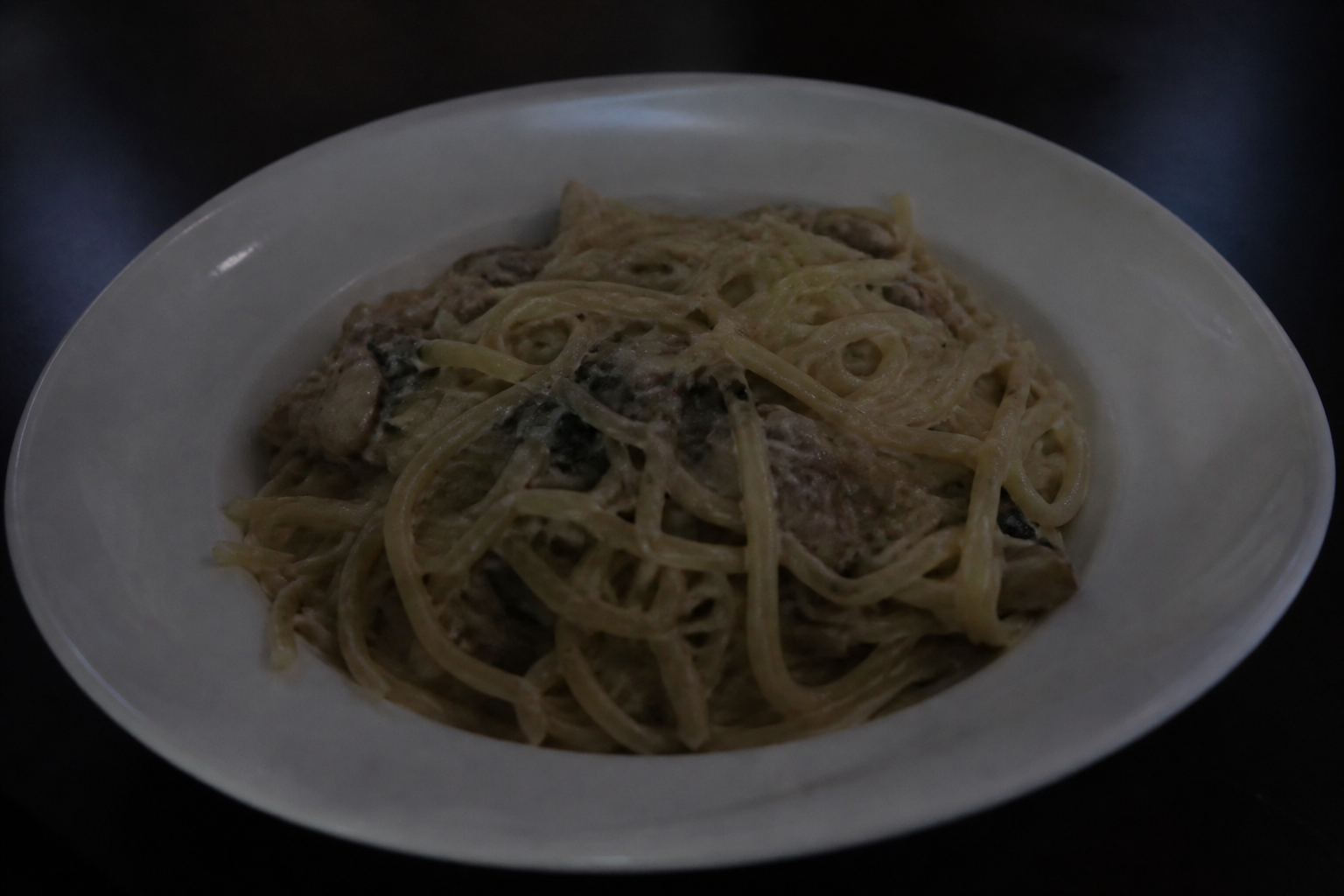
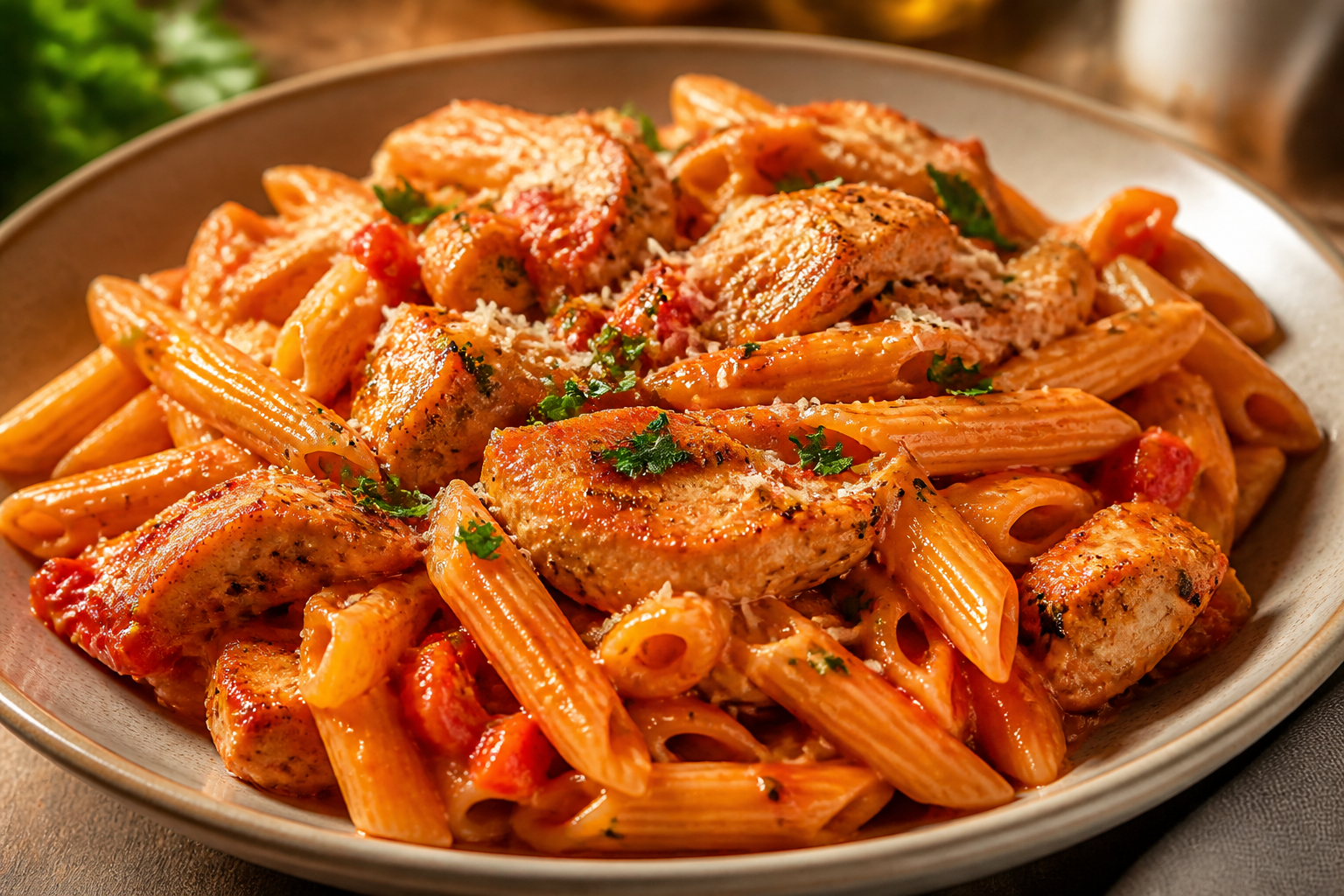
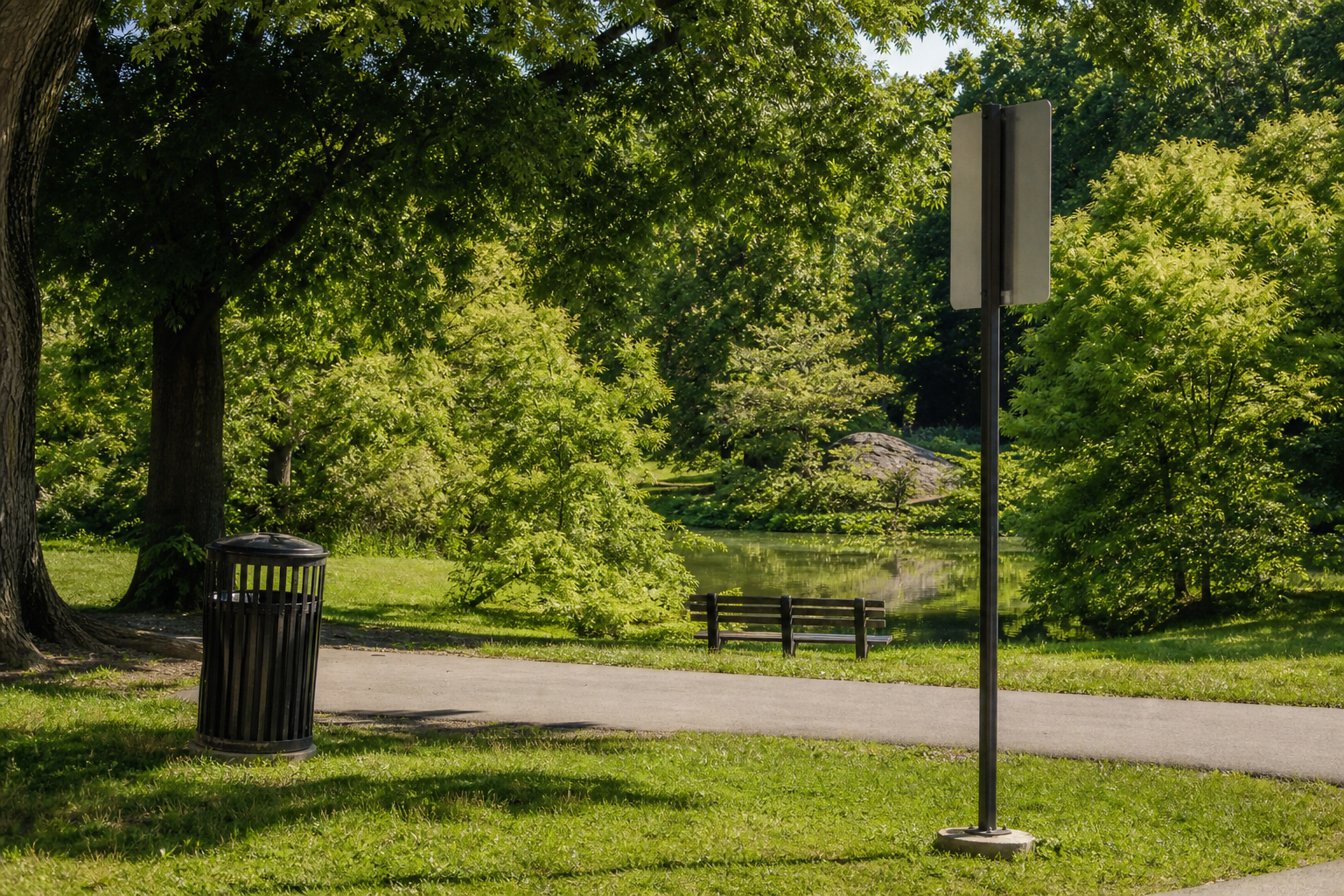
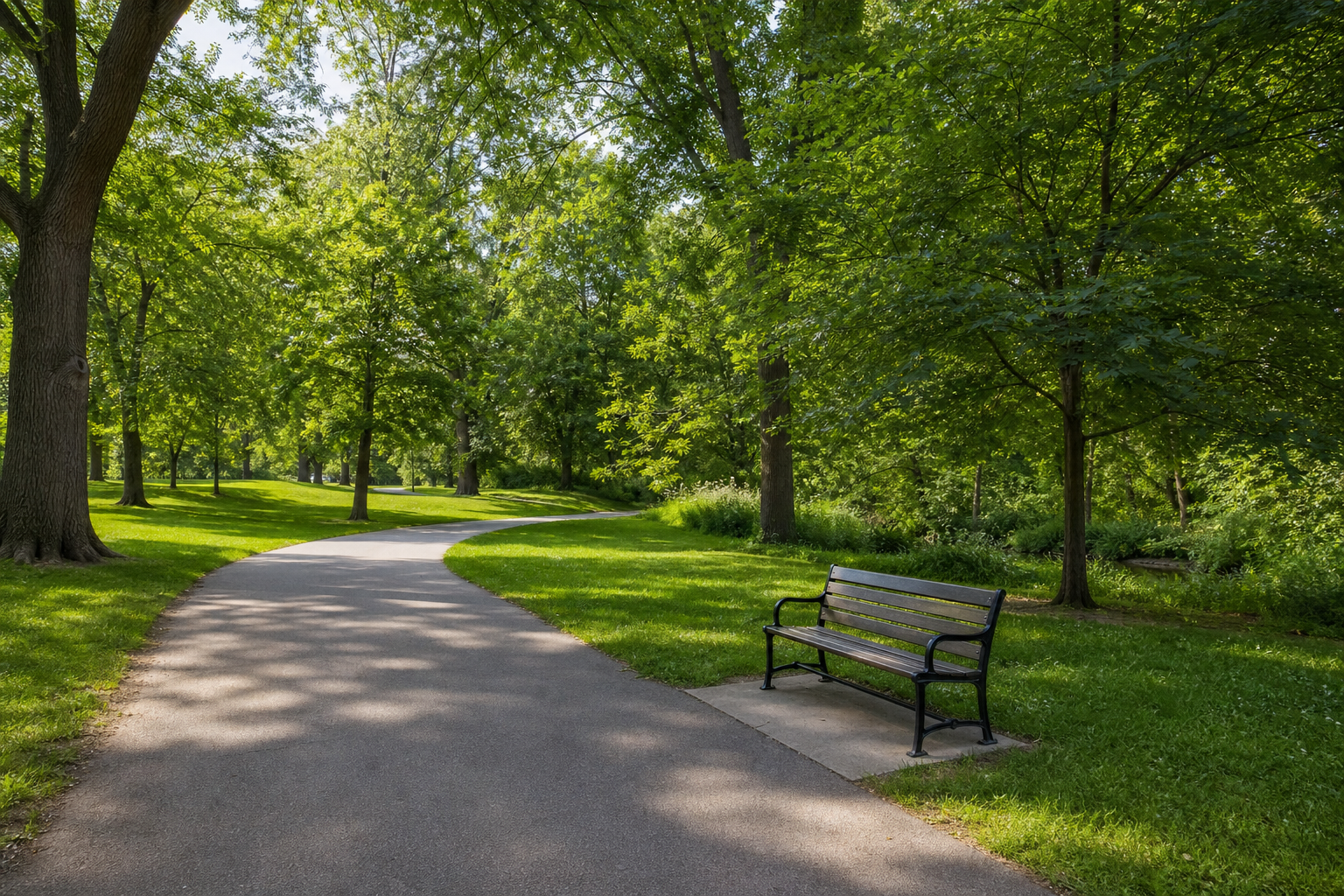
Most free tools are too rigid
Many free tools only do one job, which creates friction when your edit is broader. A general AI image editor is better when you want to remove objects, replace the background, improve lighting, and adjust style from one place.
Core AI image editor features
Use one editing flow for many common image tasks.
Freeform prompt editing
Describe the exact change you want and let the editor handle mixed tasks such as cleanup, background updates, color changes, and style edits.
Simple single-image workflow
Upload one image, type one prompt, and get a result quickly without a complex control panel.
Fast iteration
Try a prompt, review the result, and refine it with another instruction until the image looks right.
How to use the AI Image Editor
The workflow is simple: upload, describe the edit, and generate the result.
Upload your image
Start with one photo
Upload the image you want to edit. Product shots, portraits, and social images are all good starting points.
Describe the change
Write what you want in plain language, such as remove the object, replace the background, brighten the image, or restyle the scene.
Generate and refine
Review the result, download it if it works, or adjust the prompt and run another pass.
Start editing with AI Image Editor
Use the free editor to make prompt-based image changes from one place instead of relying on scattered single-purpose tools.
Launch EditorWhat users like about it
Mia
Online Seller
"I can clean a product image, fix the background, and improve the final look without opening multiple tools."
Ethan
Content Creator
"The biggest advantage is flexibility. I can describe the edit I want and iterate fast."
Sofia
Marketing Designer
"It works well as a general free image editor when I need quick changes before a heavier production workflow."
AI Image Editor FAQ
What can this AI Image Editor do?
It supports prompt-based image editing such as background changes, object removal, style updates, color adjustments, and general visual cleanup.
Is this different from a background remover?
Yes. A background remover is a fixed tool. An AI image editor is a broader editing entry point that can handle many changes in one workflow.
Do I need design skills to use it?
No. The main interaction is writing a simple instruction in natural language.
Can I use it for product photos and social images?
Yes. It works well for product cleanup, portrait edits, simple creative changes, and fast content experiments.