
Fix Motion & Shake Blur
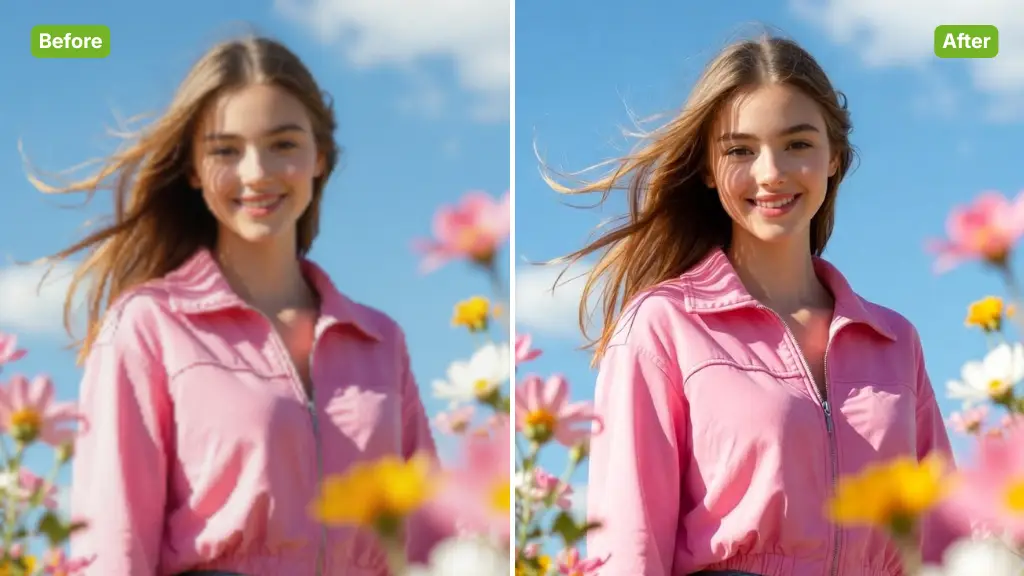
The AI Image Sharpener engine excels at correcting motion blur caused by camera shake or moving subjects. It realigns details to produce a crisp, stable image automatically.
Instantly unblur pictures, fix motion blur, and enhance image clarity with our advanced Free AI Image Sharpener.
Rated 4.9+
by Nano Banana AI Users
50M+
Pictures Created
Trusted By 800+
Organizations
Helping creators & businesses everywhere work easier
AI Image Sharpener helps you fix blurry photos online instantly. Enhance image clarity, restore details, and improve sharpness easily with no sign-up required.
Try It Now for Free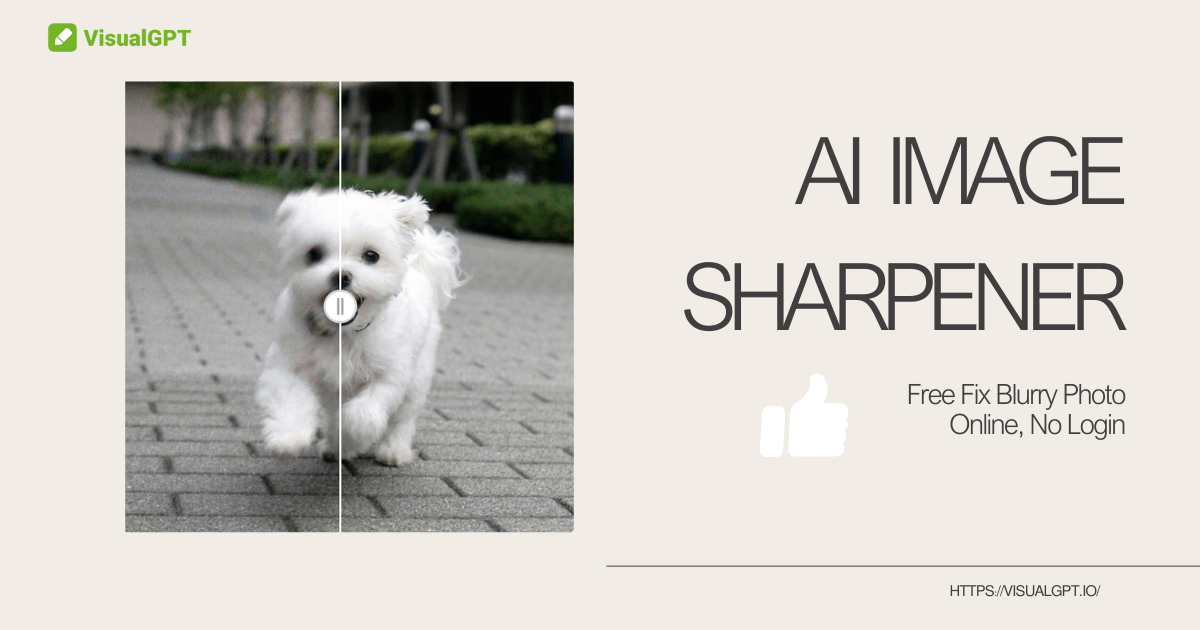
AI Image Sharpener is a smart tool designed to fix blurry photos using deep learning. Unlike basic filters that add noise, AI Image Sharpener understands image content—like faces or text. It intelligently reconstructs lost details to deliver professional clarity instantly.
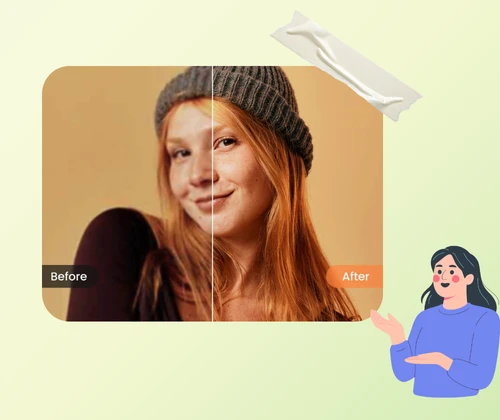
AI Image Sharpener delivers high-quality clarity without complex software. It automatically detects the type of blur and applies the correct fix. With secure processing and no artifacts, AI Image Sharpener is the fastest way to save out-of-focus shots for any use.
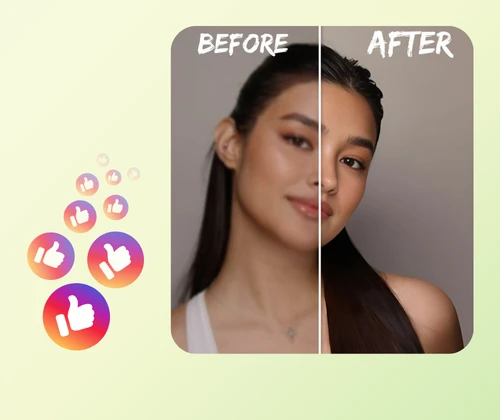
Precious moments like a wedding kiss or baby steps are often ruined by camera shake. Traditional editing is complex and adds ugly noise. AI Image Sharpener solves this heartache. It offers an automated solution to rescue these "unusable" shots, restoring them to crystal-clear quality instantly.
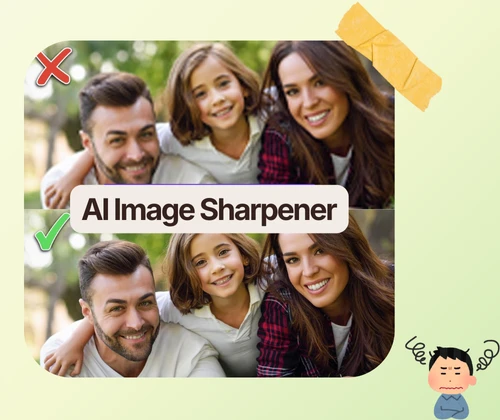
AI Image Sharpener utilizes cutting-edge algorithms to address specific clarity issues while preserving natural textures.
The AI Image Sharpener engine excels at correcting motion blur caused by camera shake or moving subjects. It realigns details to produce a crisp, stable image automatically.
Soft focus often ruins portraits. AI Image Sharpener identifies facial features like eyes and hair, applying targeted sharpening to make subjects stand out clearly.
Unlike basic tools, AI Image Sharpener enhances clarity without adding ugly grain or halos. The result is a clean, natural-looking photo ready for printing.
Turning a blurry photo into a clear masterpiece is easy with AI Image Sharpener. Just follow these simple steps.
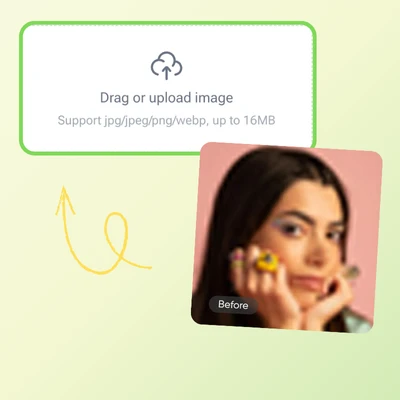
Drag and drop an image into the AI Image Sharpener area. The tool supports JPG and PNG. Ensure the file is not corrupted for the best processing results.

Wait a few seconds as AI Image Sharpener analyzes the blur pattern. It will automatically apply the optimal sharpening level to fix edges and restore lost details.
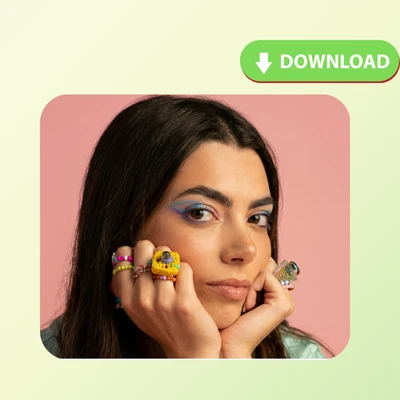
Use the slider to see the difference AI Image Sharpener has made. Once satisfied with the improved clarity, download the sharpened, high-quality image to the device.
Don't delete blurry photos. Use AI Image Sharpener to restore clarity and details instantly. Perfect for photographers and designers.
Try It Now for Free
Mark S.
Wildlife Photographer
“I am a wildlife photographer, and sometimes the focus is just slightly off on a great shot. I used to discard those, but AI Image Sharpener has changed my workflow completely. It manages to recover the fine details in fur and feathers without making the image look over-processed or crunchy. The results are natural enough for my portfolio. It is an essential tool for saving those almost-perfect moments that would otherwise be lost.”
Lisa K.
E-commerce Seller
“Running an online store means I need crisp product photos, but I don't have expensive studio gear. I use AI Image Sharpener to fix slight camera shakes from my handheld shots. It instantly makes the text on labels readable and the textures pop. My conversion rates have actually improved because the images look so much more professional. AI Image Sharpener is a huge time-saver for small business owners who do their own photography.”
David R.
Hobbyist
“I found an old, blurry photo of my grandparents that was taken with a low-quality camera years ago. AI Image Sharpener did an incredible job of unblurring their faces. I was amazed at how it brought out details I couldn't even see in the original file. It didn't just add contrast; it actually seemed to reconstruct the missing information. This AI Image Sharpener tool is magic for restoring sentimental family memories.”
Sarah J.
Graphic Designer
“As a graphic designer, clients often send me low-resolution or blurry assets that I need to use in print designs. AI Image Sharpener is my first step in processing these files. It cleans up the edges and removes that soft digital haze. The best part is that it doesn't introduce weird artifacts like standard Photoshop filters do. AI Image Sharpener allows me to deliver high-quality designs even when the source material is less than ideal.”
Jessica M.
Social Media User
“I take a lot of photos of my energetic dog, and half of them used to be blurry because he never sits still. AI Image Sharpener is a lifesaver for fixing that motion blur. It somehow figures out the direction of the movement and corrects it. Now I can post crisp, clear action shots on social media. It is super fast and easy to use on my phone browser. I recommend AI Image Sharpener to all my pet-loving friends.”
Tom H.
Tech Reviewer
“I was skeptical that an online tool could do better than my desktop software, but AI Image Sharpener proved me wrong. The AI context awareness is superior. It sharpens the subject while keeping the bokeh background smooth, which is hard to do manually. The batch processing feature would be a nice addition, but for single images, AI Image Sharpener provides the best clarity enhancement I have seen on the web so far.”