
Enhance Blurry Text for Clear Reading
Text Enhancer is an online tool that improves blurry text in images, documents, and screenshots. Upload once and get clearer, sharper, more readable text in seconds.
Upload a blurry image and let AI Text Enhancer restore the text instantly. Make unreadable words sharp and clear.
Rated 4.9+
by Nano Banana AI Users
50M+
Pictures Created
Trusted By 800+
Organizations
Helping creators & businesses everywhere work easier
AI Text Enhancer makes blurry text clear instantly. Fix pixelated screenshots, sharpen scanned documents, and restore readability with this free online tool.
Try It Now for Free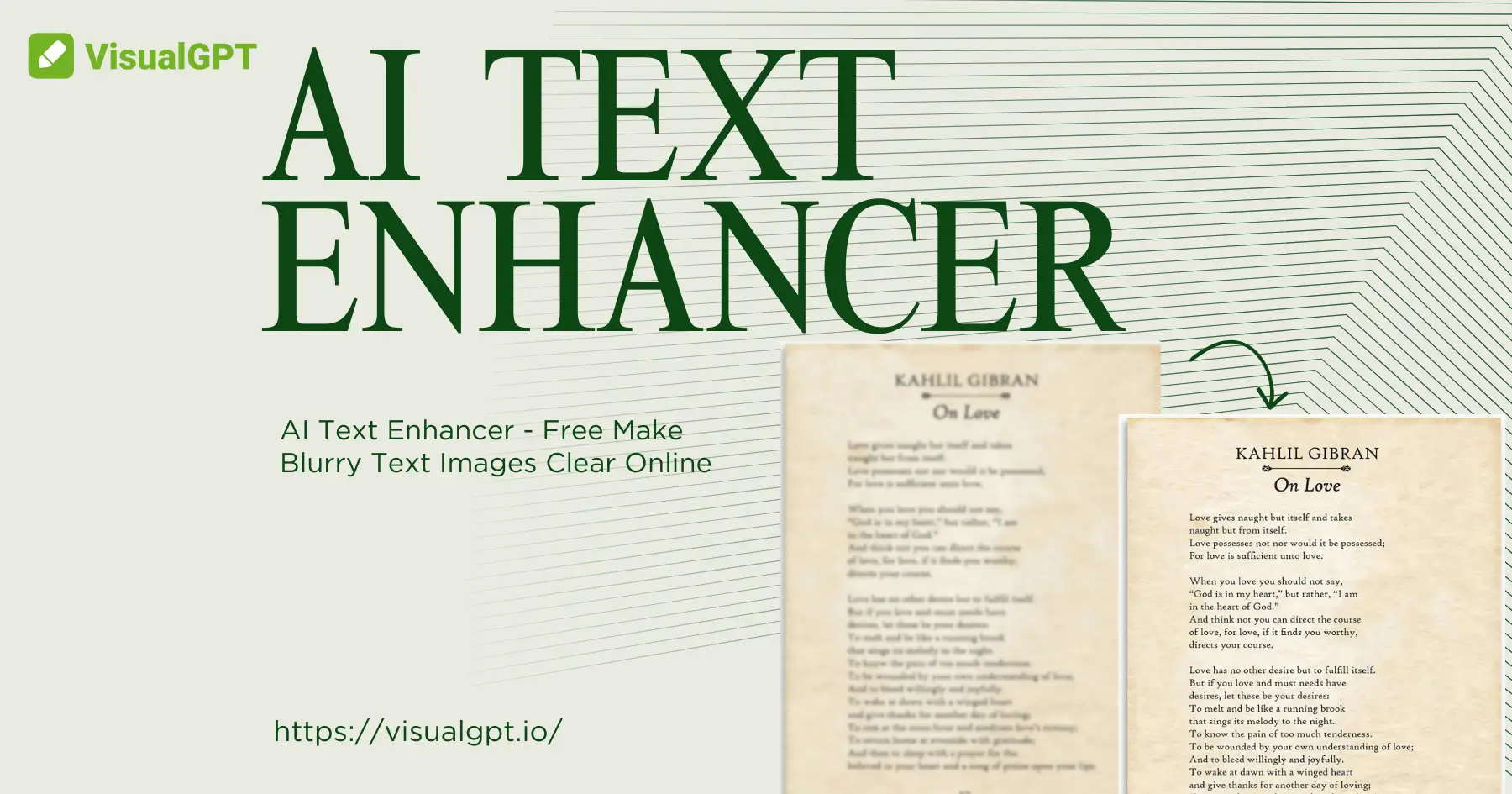
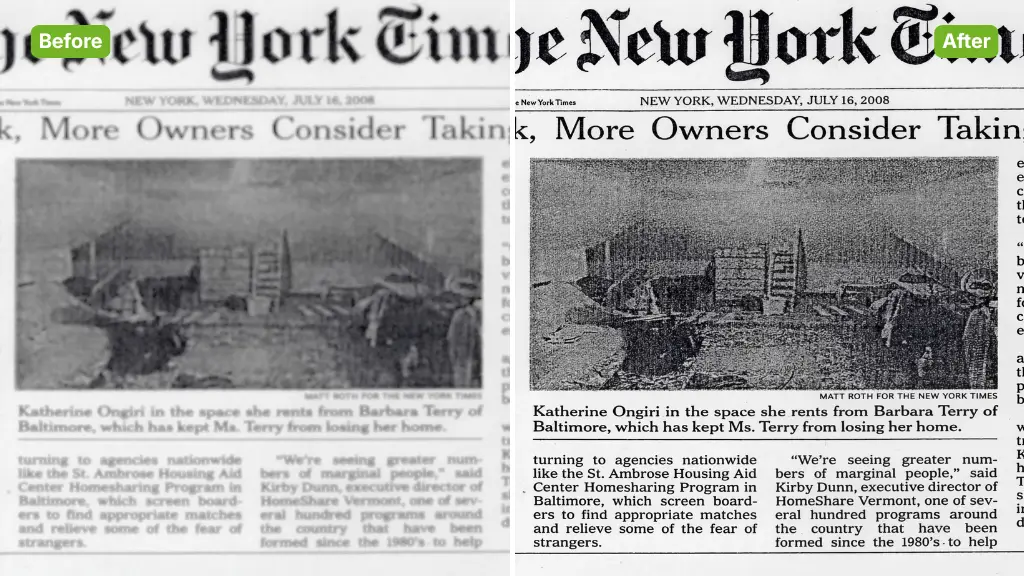
AI Text Enhancer is an advanced image processing tool dedicated to restoring clarity to unreadable text images. Whether you have a shaky photo of a document, a low-resolution screenshot, or an old scanned receipt, AI Text Enhancer uses deep learning to reconstruct the shapes of letters. It eliminates blur, noise, and pixelation, transforming unreadable images into sharp, high-definition text that is easy to read and ready for sharing.
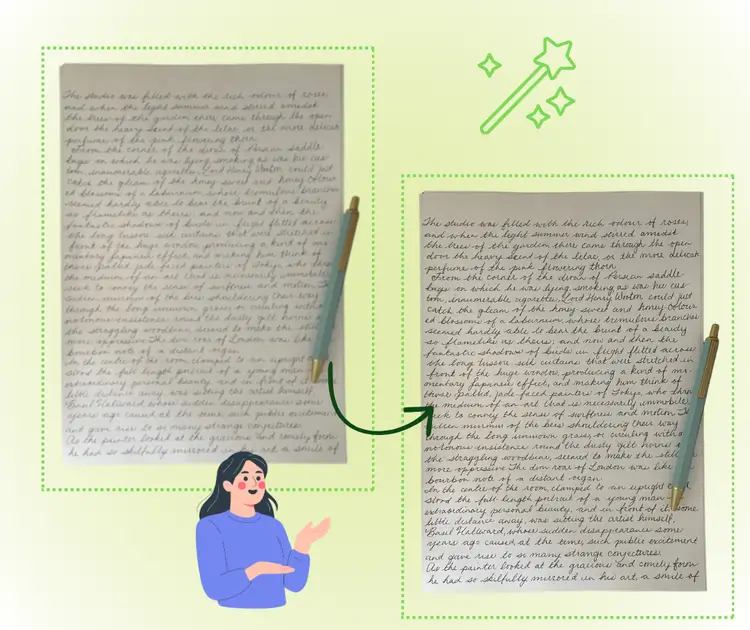
Choosing AI Text Enhancer saves you from squinting at bad photos. Traditional sharpening tools often add noise, but AI Text Enhancer intelligently understands text structures to fill in missing details. It works fast, supports various image formats, and requires no manual editing skills. It is the most reliable way to recover important information from blurry images without installing heavy software.
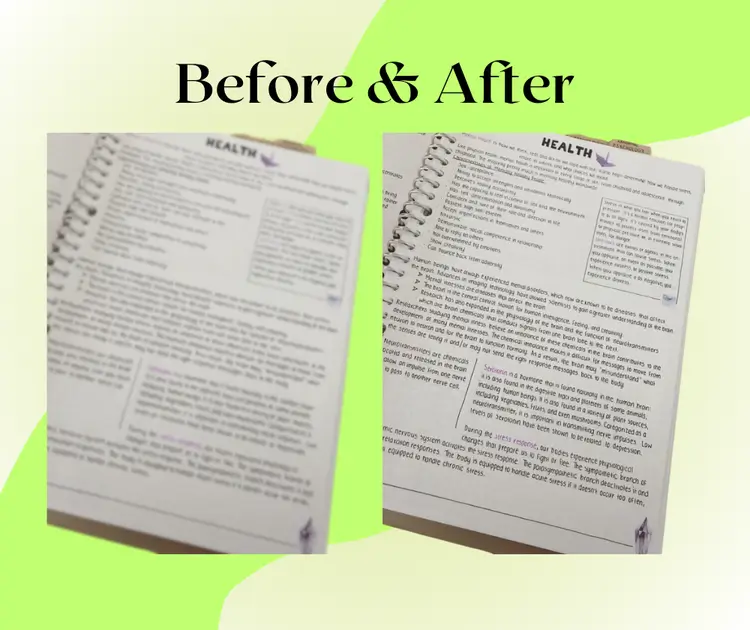
We have all been there—taking a quick photo of a whiteboard or slide, only to find it blurry later. Trying to read low-quality screenshots or old scans can be frustrating and strain your eyes. AI Text Enhancer solves this problem instantly. Instead of guessing what the words say, simply run the image through AI Text Enhancer to reveal the content clearly, ensuring you never lose vital information due to bad focus.
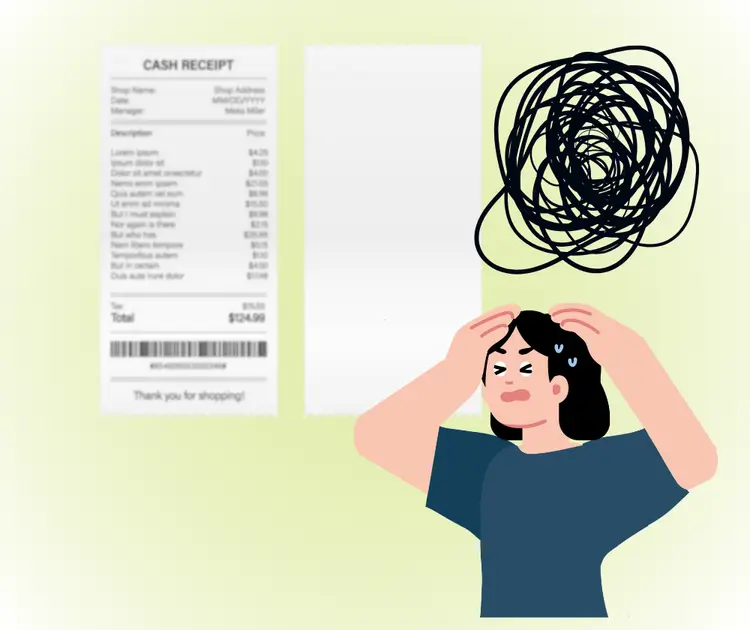
Restore your images with specialized features designed for text clarity.
Text Enhancer is an online tool that improves blurry text in images, documents, and screenshots. Upload once and get clearer, sharper, more readable text in seconds.
The tool refines letter edges and improves contrast to fix distorted or faded text from scans, photos, and screenshots for better reading and reuse.
Works with photos, screen captures, archive images, and low quality files. The system adapts automatically to improve text clarity for daily work needs.
Making your image clear is easy. Follow these steps to unblur your text.
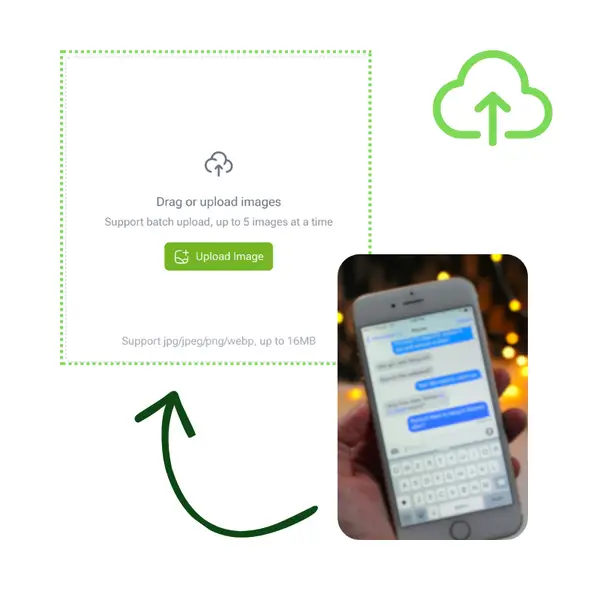
Select your blurry screenshot, document, or photo and upload it directly to AI Text Enhancer to start the restoration.
Click the button to let the AI analyze the text patterns. AI Text Enhancer will automatically sharpen and denoise the image.
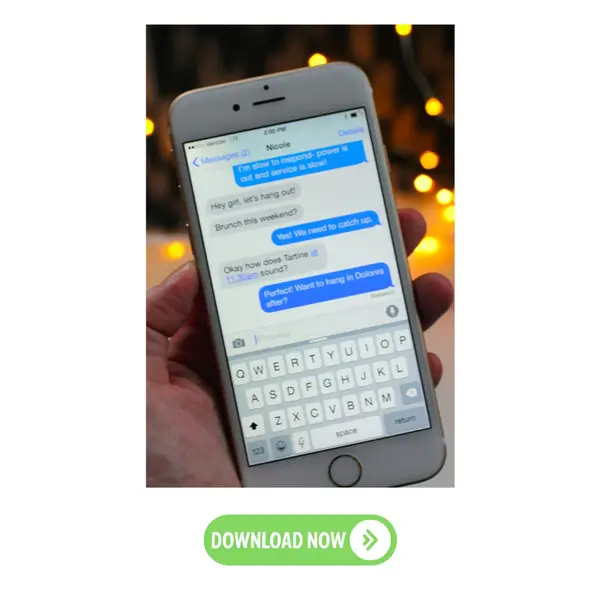
Preview the result. Once you are satisfied with the clarity, download the restored image from AI Text Enhancer to your device.
Don't let bad quality stop you from reading. Use free AI Text Enhancer now to make any blurry text clear and readable in seconds.
Try It Now for FreeJ.S.